Character Rigging and Animation from Maya to Blender
Learn the tools and features of Blender from an Autodesk Maya and MotionBuilder point of view.
In this course Brad Clark acts as translator and guide for experienced animators and tech artists wanting to dive deeper into this opensource 3D program.
There are many great resources for learning Blender and this will open them all up to you to learn from.
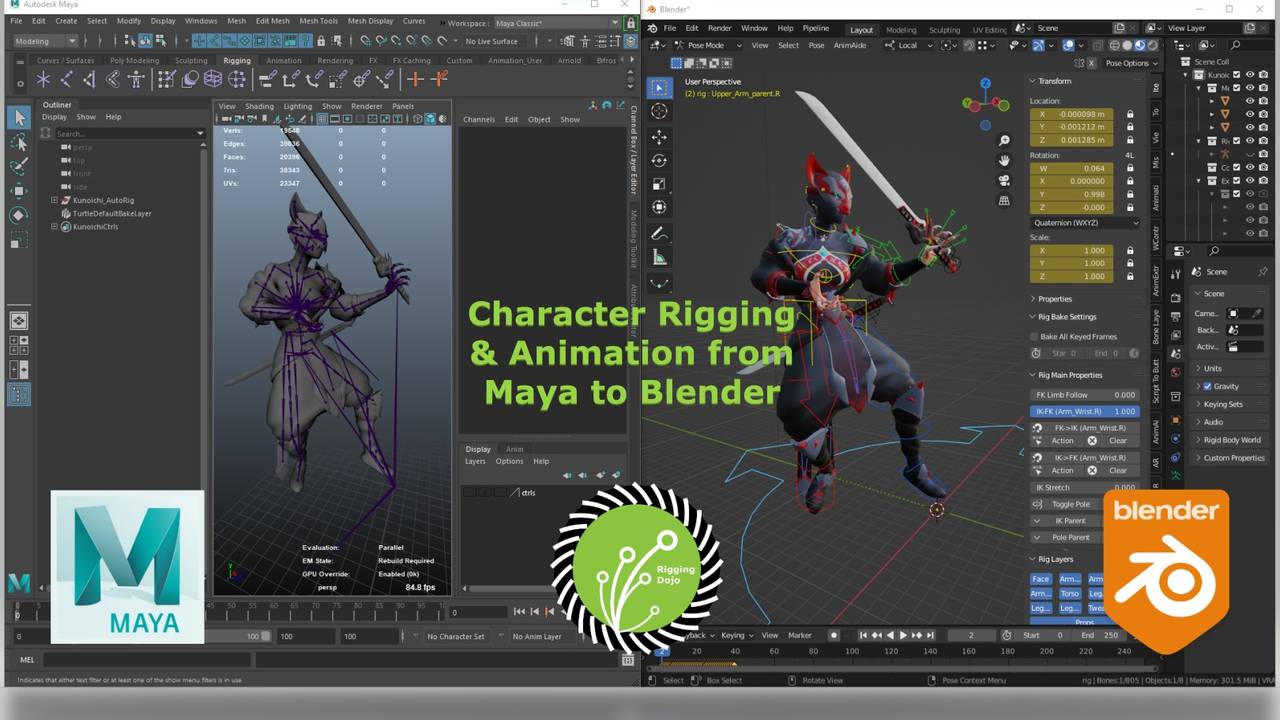
Character Rigging and Animation from Maya to Blender
-
Course Contents
16 lessons- Welcome Aboard! Getting started with Blender and this course
- 4.0 updates and beyond
- Lesson 1: The Blender Rosetta Stone Maya to Blender in 36 minutes
- Lesson 2: The problem with the word "Group" in Blender
- Lesson 3: The one weight tool we leave Maya for Blender
- Lesson 4: I really want Maya hotkeys, really
- Lesson 4.1 Zoom to Border aka Zoom Pick Fence
- Lesson 5: Where is my "Studio Library" Pose tool from Maya?
- Lesson 6: Animation workflow for Maya animators
- Lesson 7: Maya to Blender, just render it...realtime!
- Parent objects like Maya by brave rabbit
- Parent Space Manipulation Orientation by Armin Halac
- Animation: Animating pivots and parent transforms
- Animation: Maya Delete - Static Channels and key management
- Animation: Making the NLA tools work for you from Blender Con22
- Blender Rigging for Netflix Next Gen (From the Archives)
-
Seamless Mocap Cycles in MotionBuilder- Blender Edition
3 lessons- Seamless Mocap Cycles in Blender Part 1
- Seamless Mocap Cycles in Blender Part 2
- Seamless Mocap Cycles in Blender Part 3
-
Addons, Plugins and Rigs
5 lessons- AnimAide and Blender tools for Maya AnimBot and TweenMachine users
- Brave Rabbit: Yes the Maya plugin master has new Blender Tools
- Camera Lattice Deform "Lattice Magic"
- Rig On The Fly - Free Agora Riot Rigs
- Best Free Rigs to explore or animate in Blender (WIP)
-
Behind the scenes look at Rigging Maya to Blender
2 lessons- Maya like joint display on Blender Bones
- Relink Constraints Rigify feature UE to Rigify
